#
Send
#
How to Send your tokens using TagPay's wallet.
TagPay is the first wallet in the world to allow users the ability to send crypto via Social Media usernames, we have also integrated other methods so you can send funds fast, making it easier than ever!
#
Send with social media username
#
Case A - the user has already a TagPay wallet
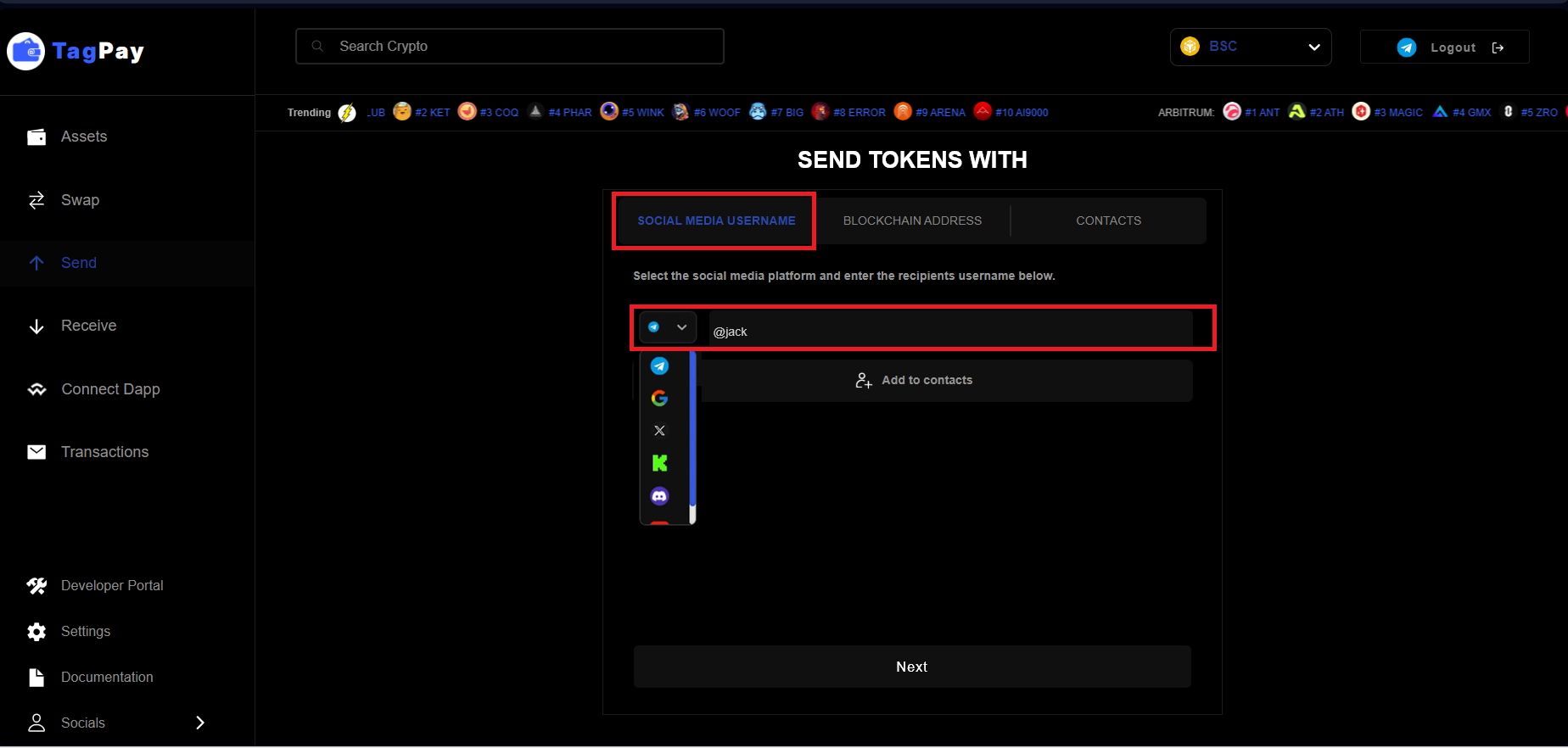
Choose the social media and the username of the user you want to send funds and click the button next
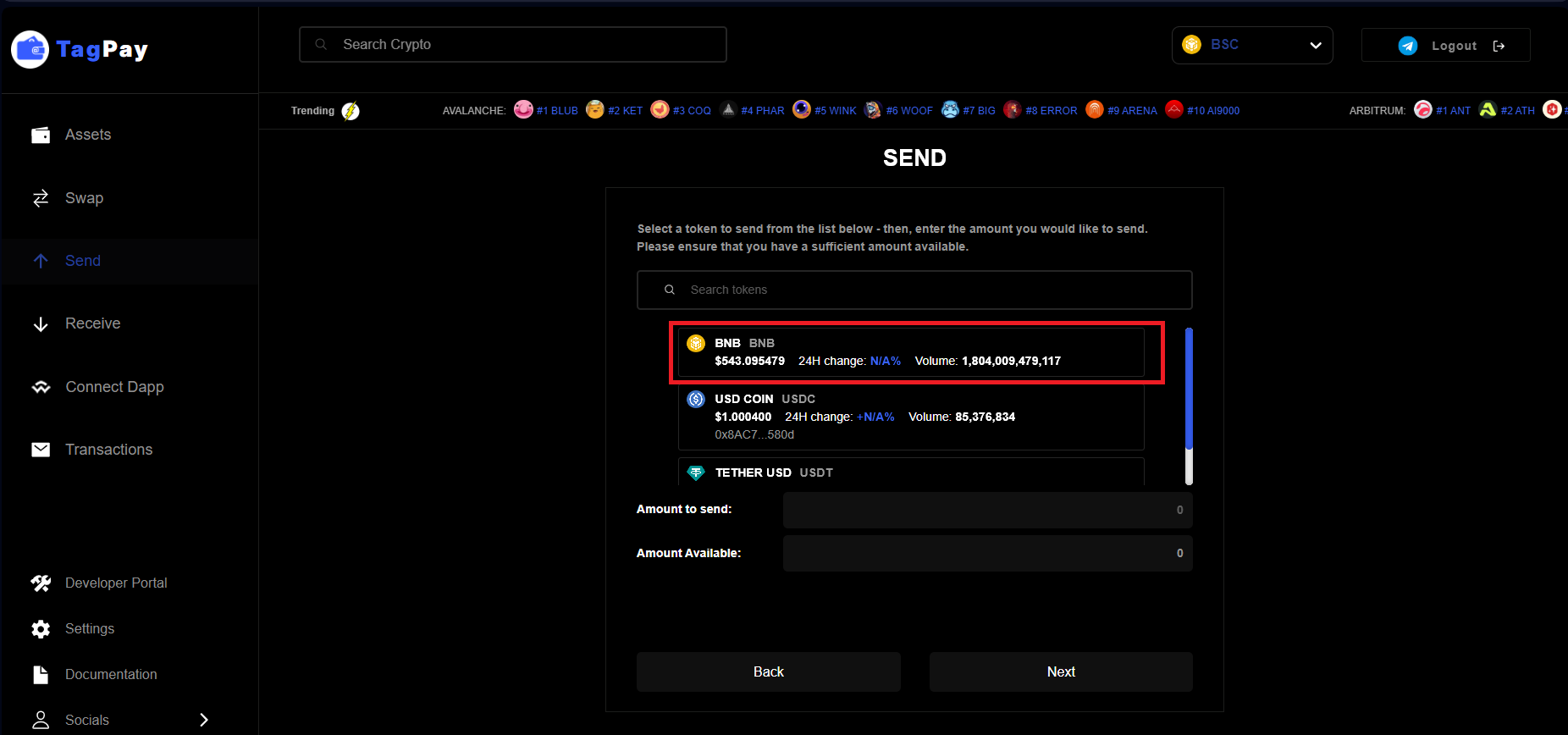
Select a token to send from the list below
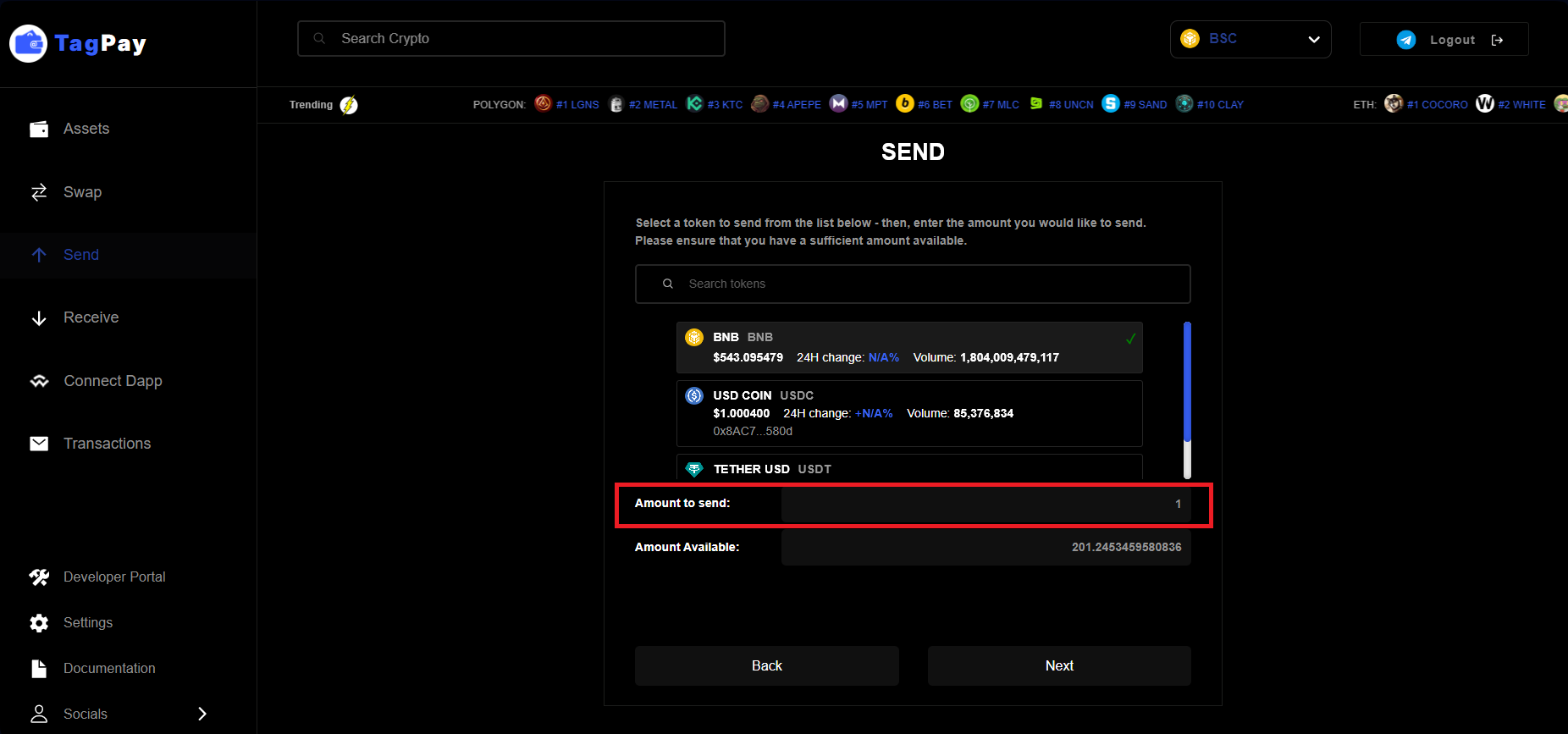
Enter the amount you would like to send. Please ensure you have sufficient amount to send and gas fee to cover the transaction. Click the button next
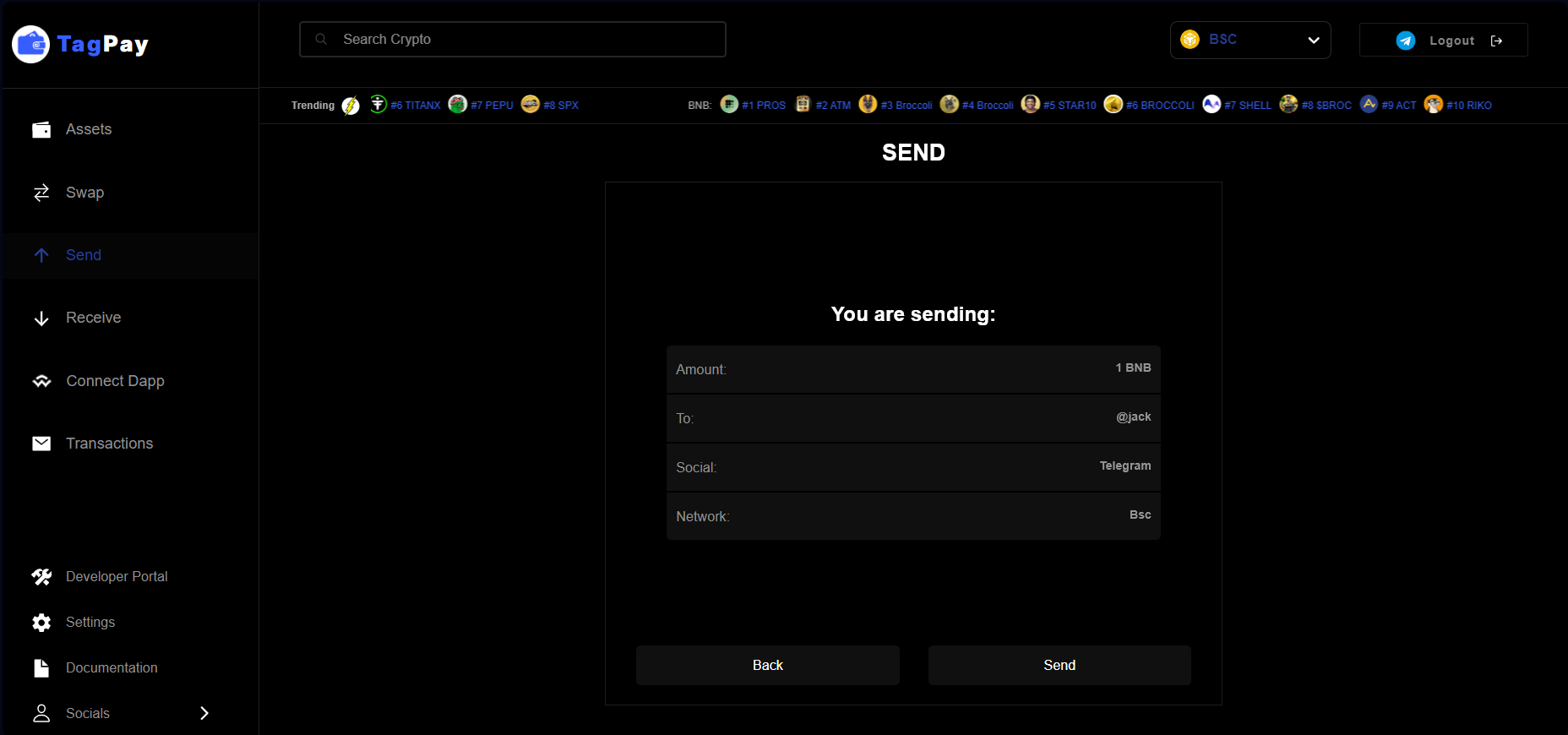
Resume of your transaction to be checked before you approve the transaction by clicking send
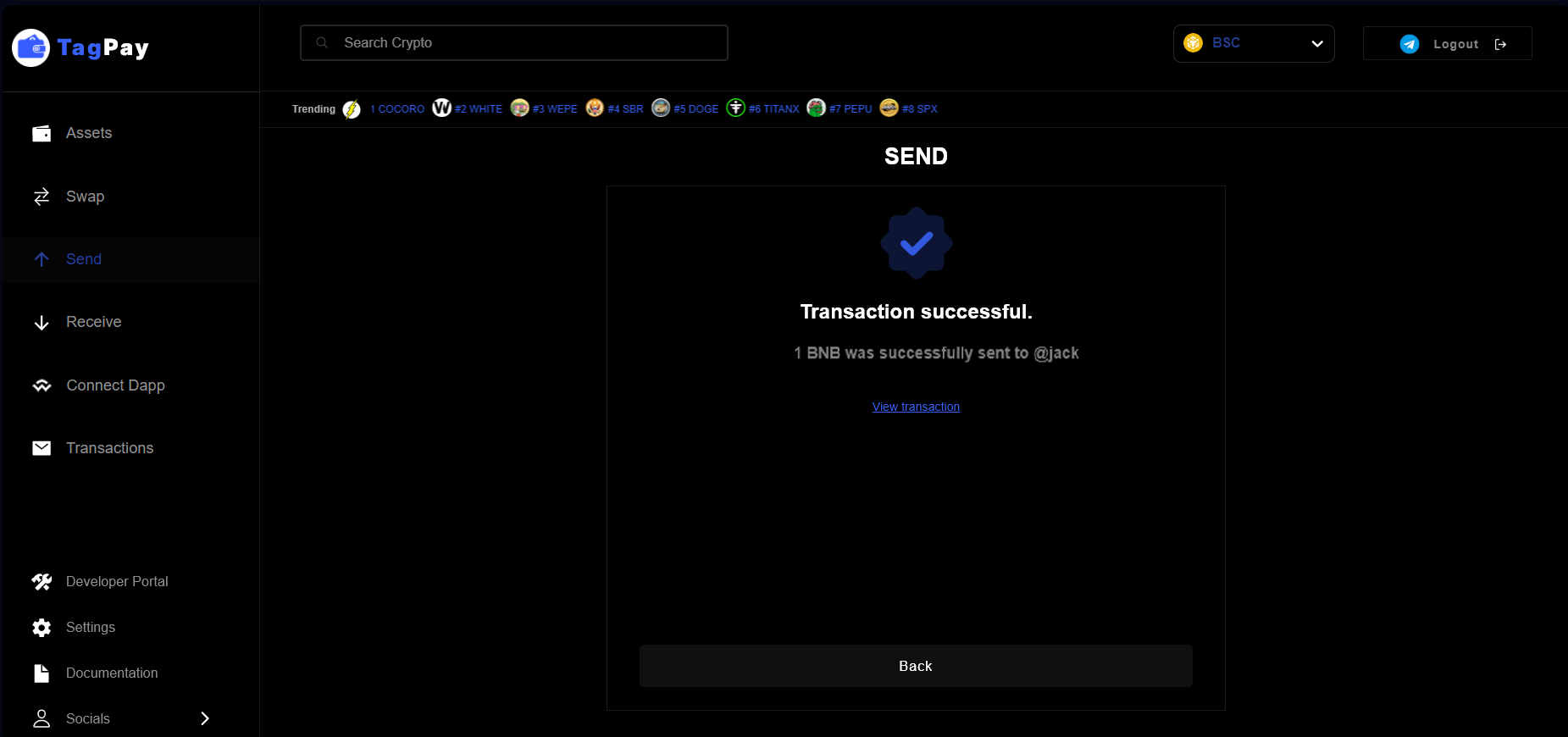
Congrats, your transaction has been successful.
#
Case B- the user doesn’t have a TagPay wallet
In case a user doesn’t have a TagPay wallet, you are still able to send tokens to his username. A claim link will be generated and you can send it to your friend
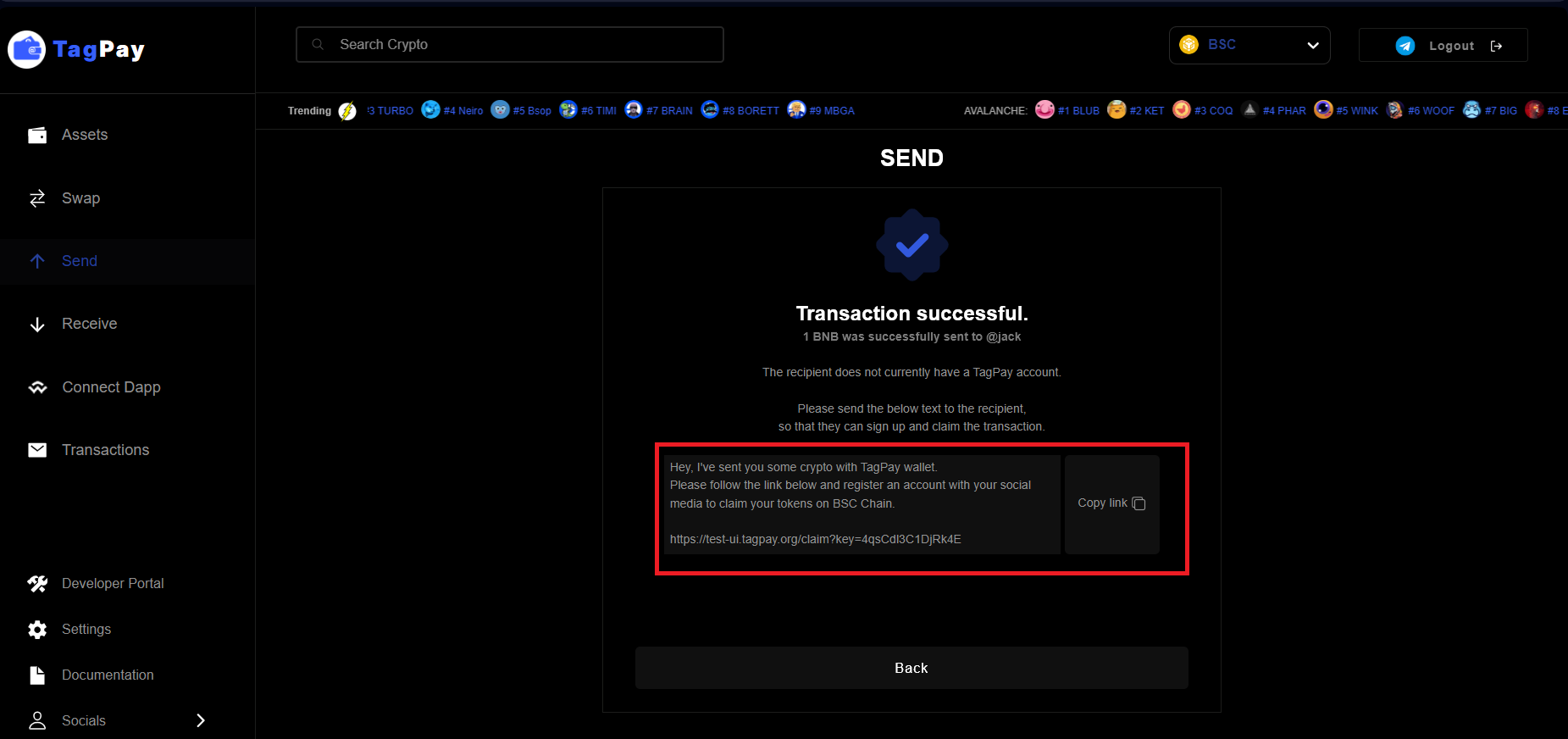
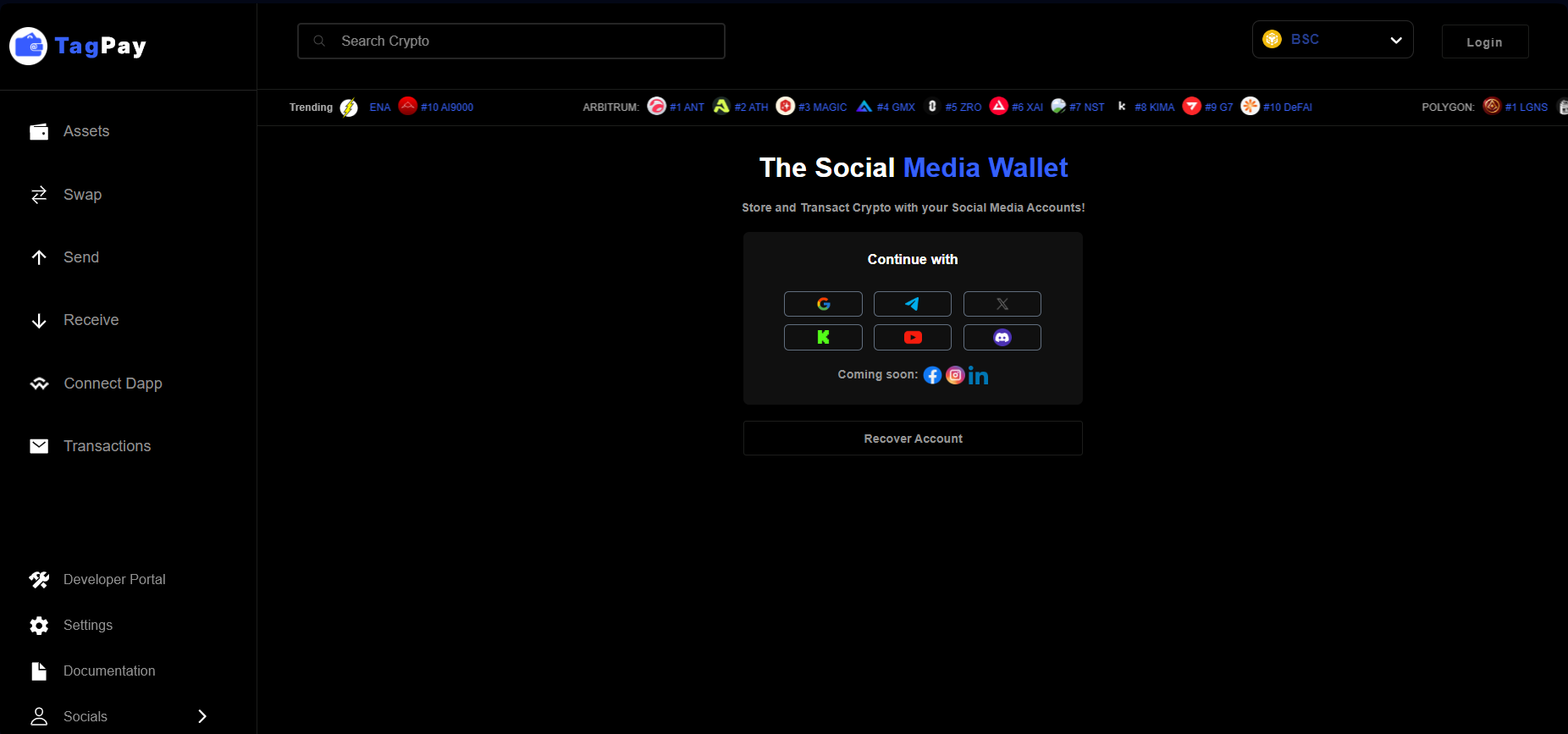
Copy the link above and send it to your friends or family on any social media. After clicking the claim link it is requested to do the social media login in order to claim the tokens
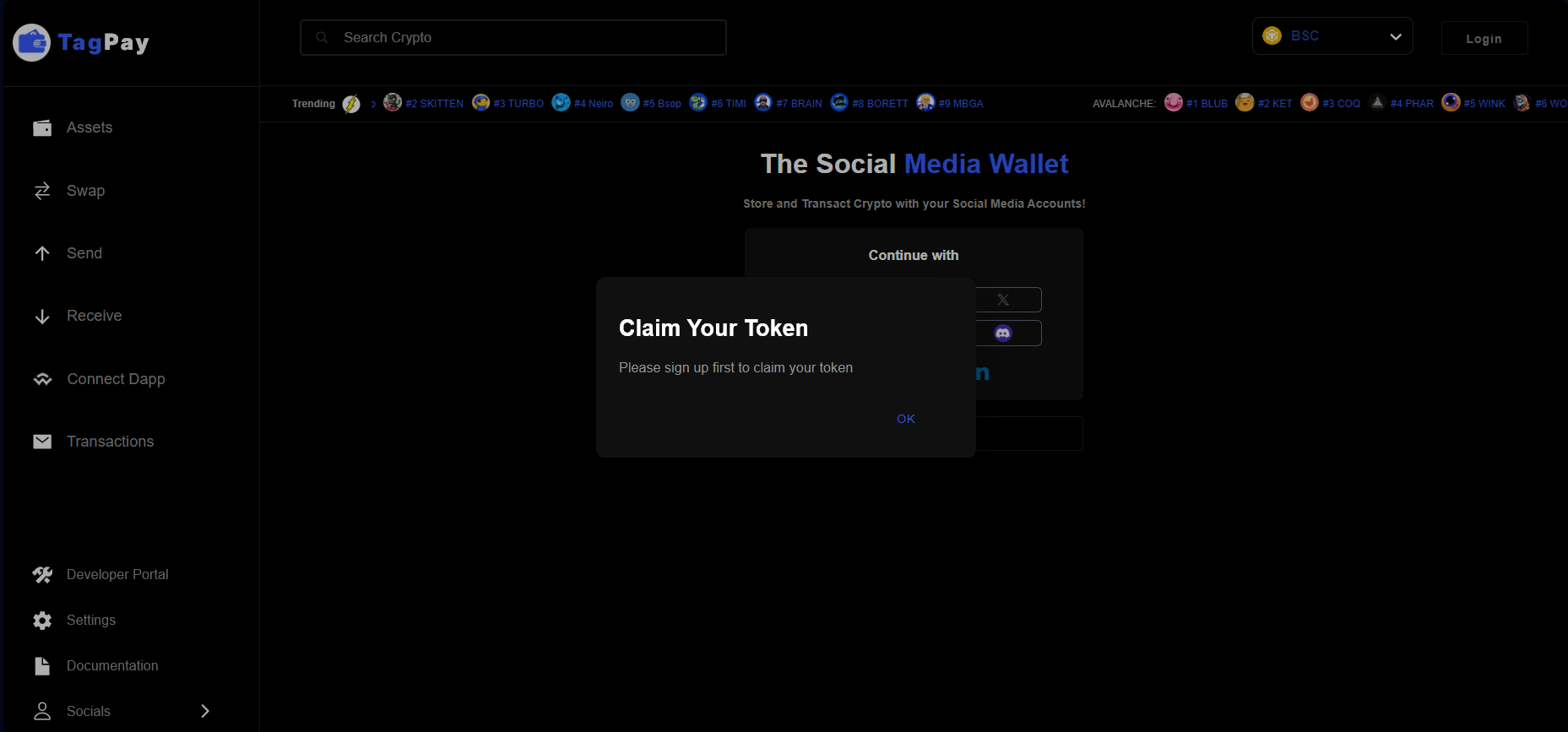
Click ok on the popup of claim your token and do the social media login
Click the button claim
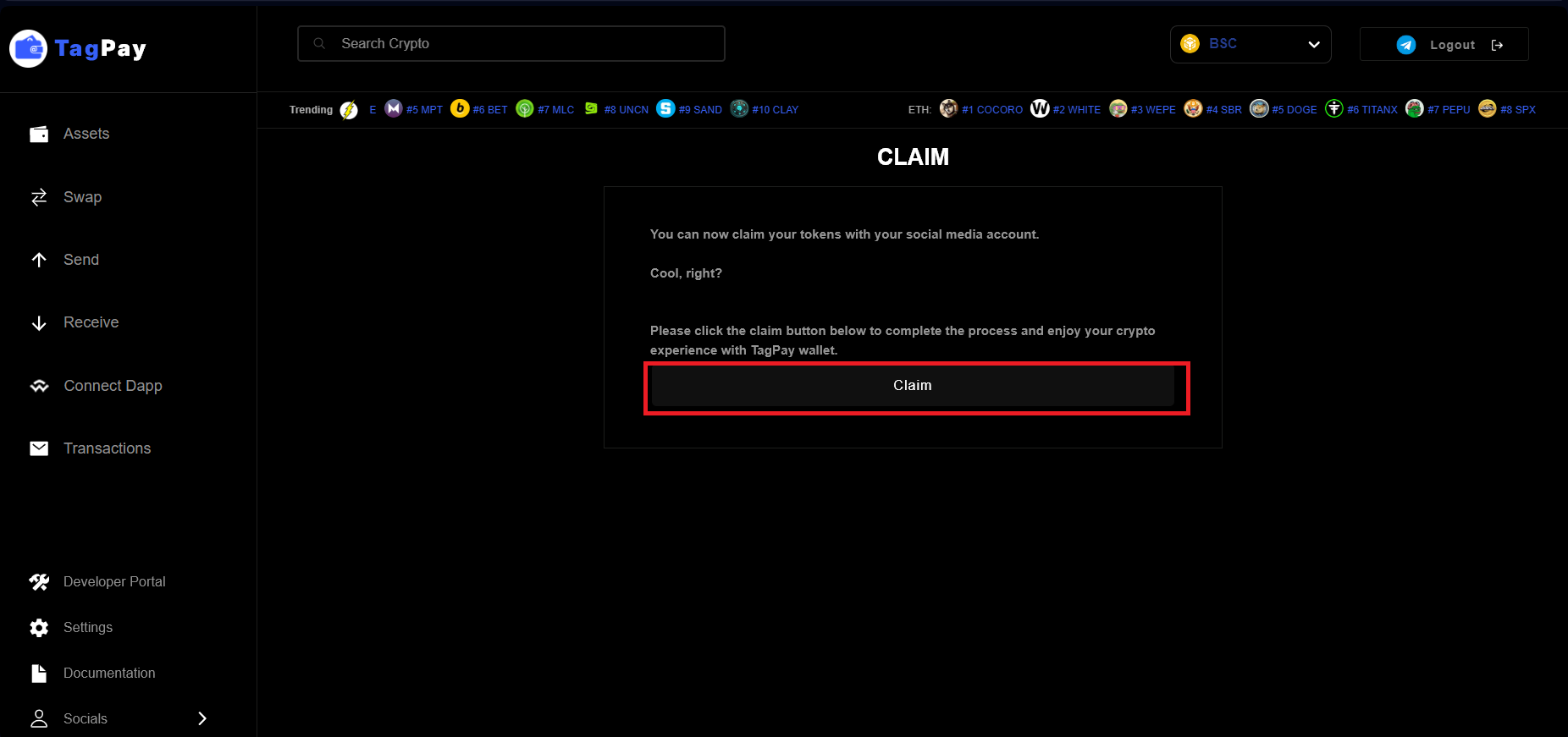
Congrats, you have successfully claimed your tokens and your balance should reflect the change on assets section of TagPay wallet.
#
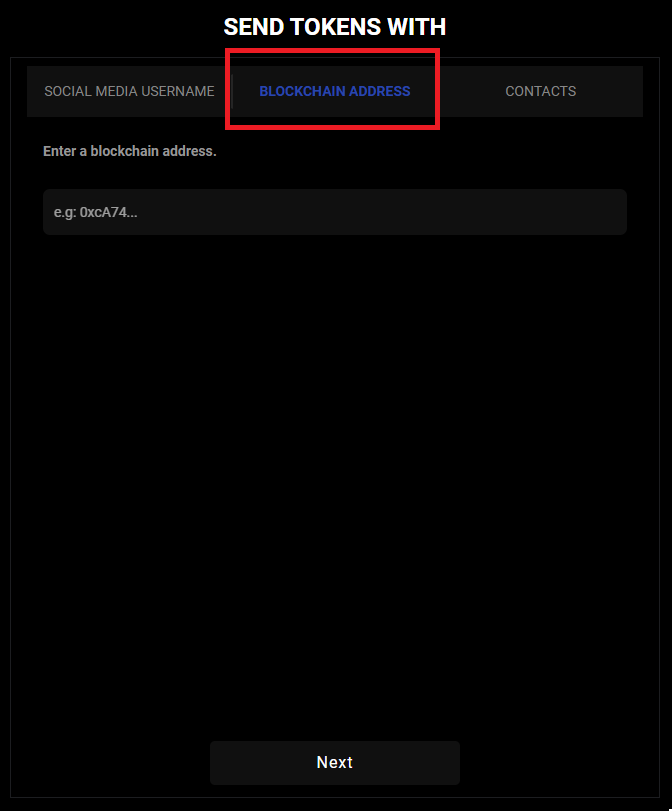
Send tokens using the 42 character Blockchain address of your friends or family.
Just like a traditional wallet, TagPay allows you to send funds using a traditional 42-character blockchain address.
Just copy and paste the address in the field below and proceed to send funds!
#
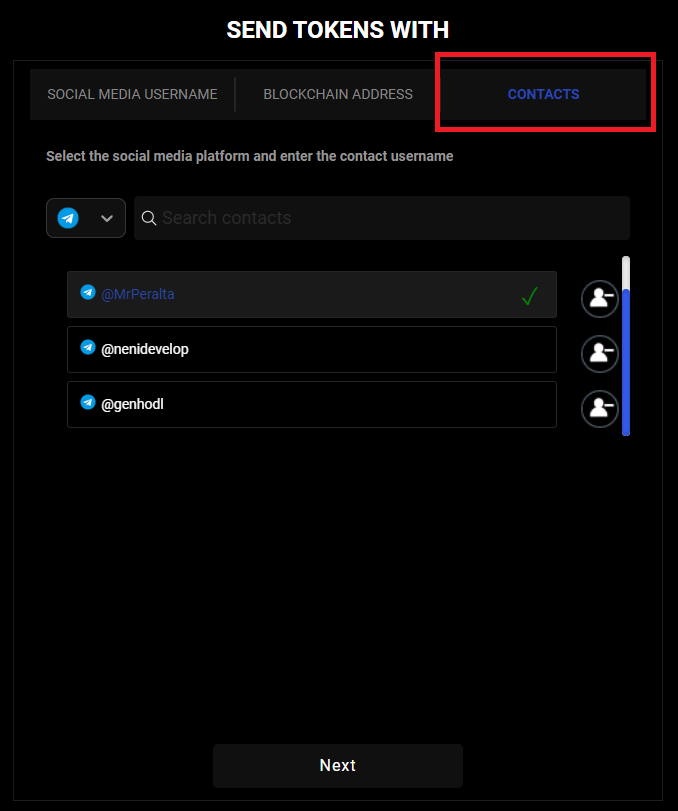
Send tokens using Contacts that you have saved in your address-book.
TagPay allows you to store contacts within your directory for easy access in future. You can send funds from your contacts by simply selecting the recipient and proceeding through the send prompts.