#
Settings
The below sections detail key information regarding your TagPay wallet. Please ensure that you understand your wallet Settings before transacting!
#
Two-Factor Authentication (2FA)
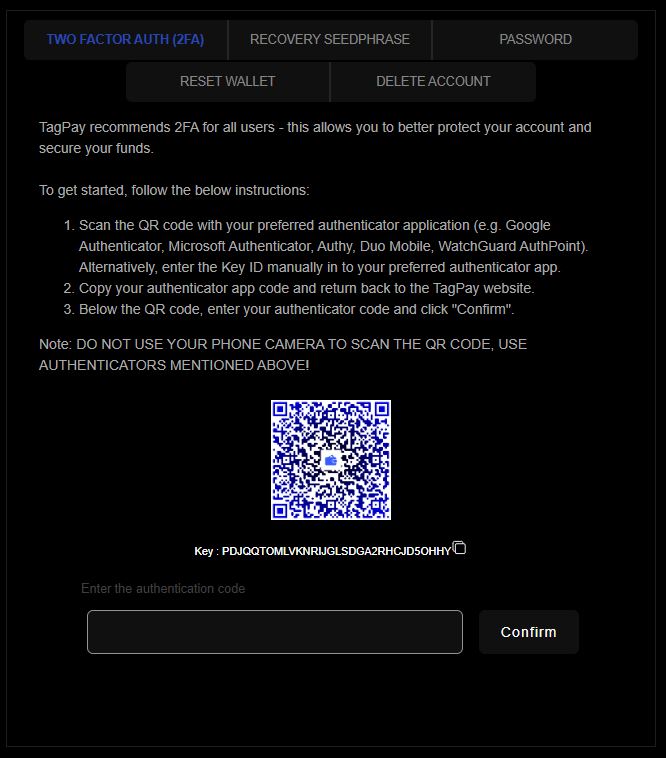
TagPay takes security seriously - therefore, we encourage ALL users to enable 2FA whilst using TagPay wallet. This is the best deterrent to losing your funds!
Please see the image below which details the instructions with regards to setting up 2FA for your wallet.
#
Recovery Seed Phrase
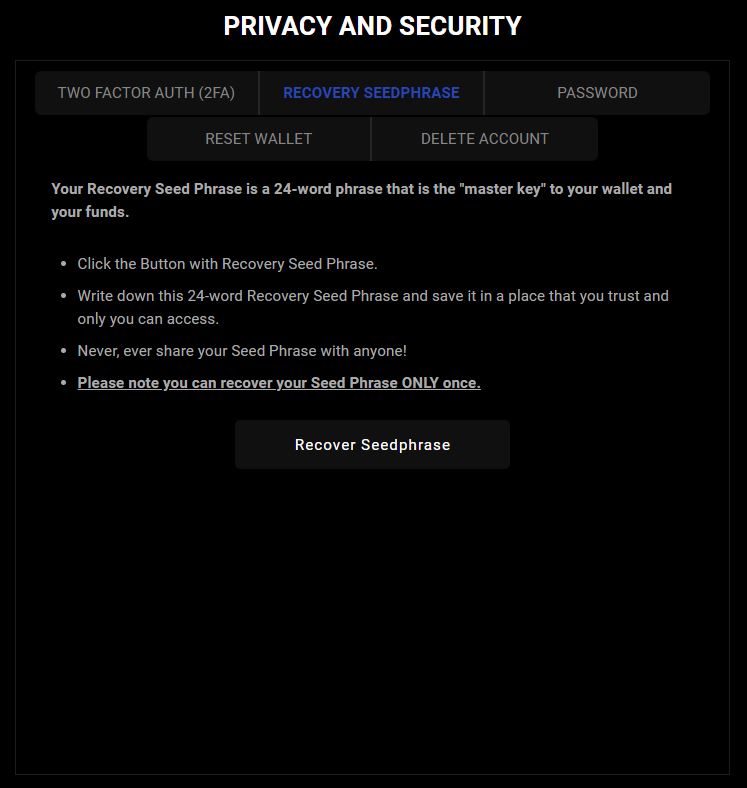
Your Recovery Seed Phrase is a vital 24-word phrase that serves as the "master key" to your wallet and funds. It is essential for accessing and securing your assets.
To begin, click the "Recover Seed Phrase" button.
Next, write down the 24-word phrase carefully and store it in a secure location that only you can access.
Never, under any circumstances, share your Seed Phrase with anyone. Doing so could put your wallet and funds at risk.
Please remember, you can only recover your Seed Phrase once, so it’s crucial to handle it with great care.
#
Password
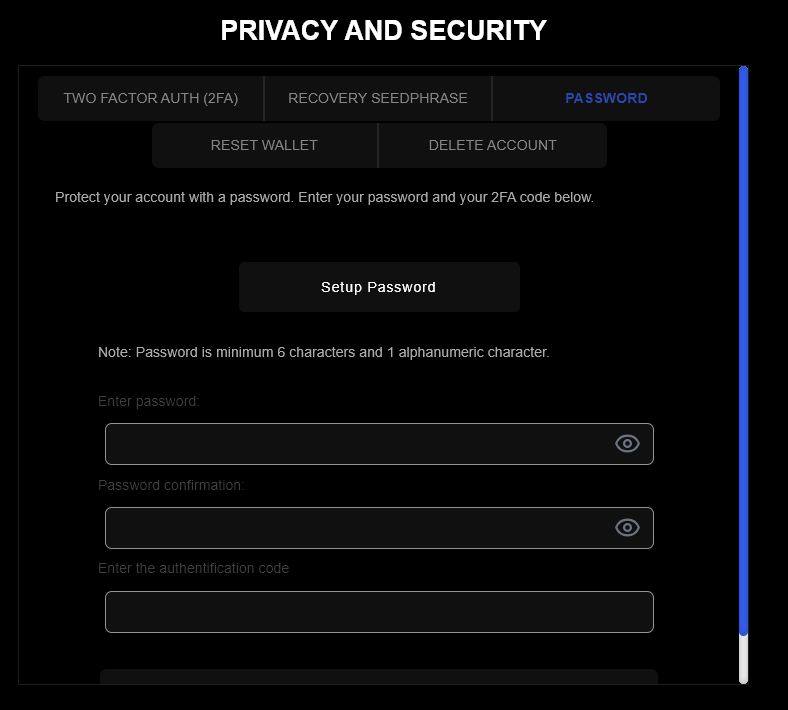
Protect your account with a password.
Note: Password is minimum 6 characters and 1 alphanumeric character.
#
Reset Wallet
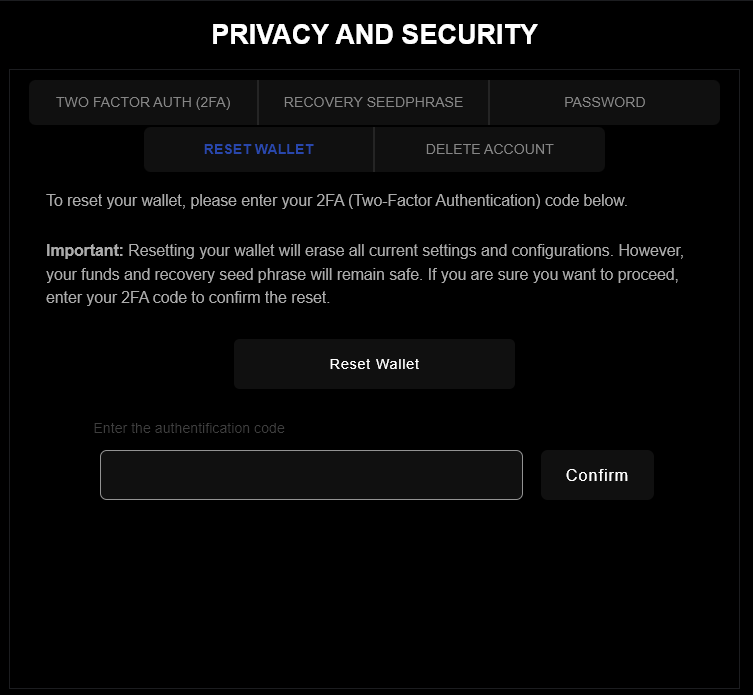
To reset your wallet, please enter your 2FA (Two-Factor Authentication) code below.
Important: Resetting your wallet will erase all current settings and configurations. However, your funds and recovery seed phrase will remain safe. If you are sure you want to proceed, enter your 2FA code to confirm the reset.
#
Delete Account
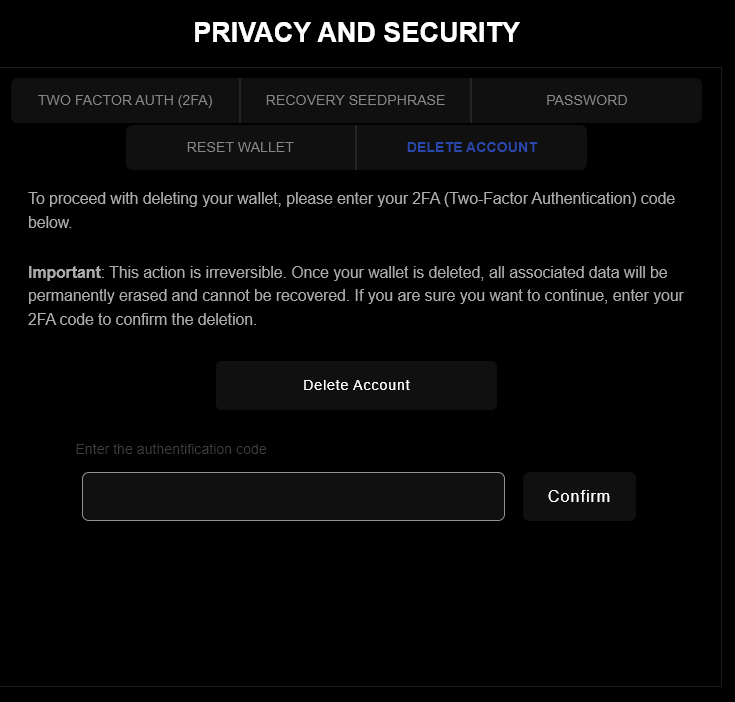
To proceed with deleting your wallet, please enter your 2FA (Two-Factor Authentication) code below.
Important: This action is irreversible. Once your wallet is deleted, all associated data will be permanently erased and cannot be recovered. If you are sure you want to continue, enter your 2FA code to confirm the deletion.