#
Connect Dapps With Wallet Connect
The below sections detail key information regarding your TagPay wallet. Please ensure that you understand your wallet Settings before transacting!
#
How It works
Visit a decentralized application (DApp) that supports WalletConnect. e.g. Pancakeswap, Uniswap, Opensea
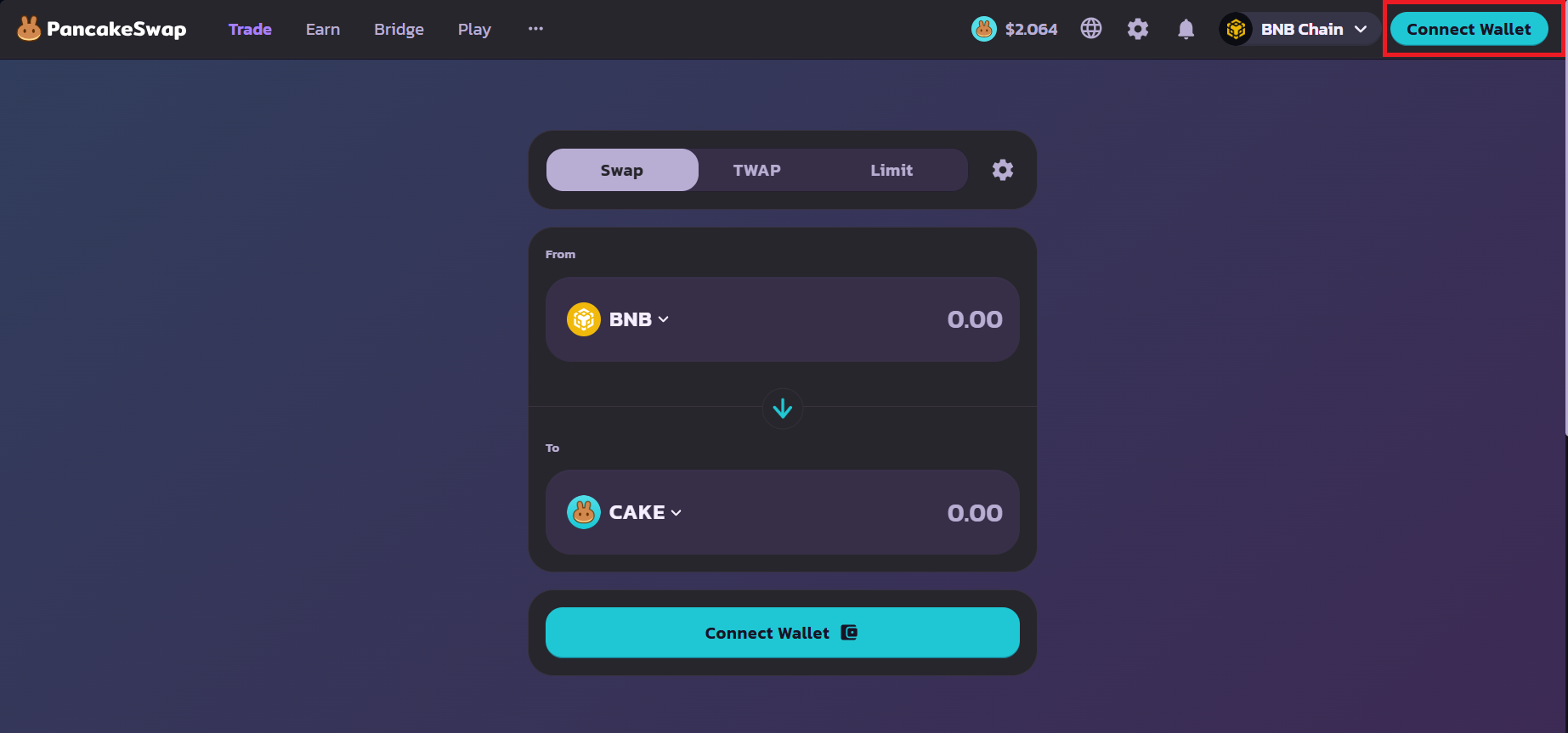
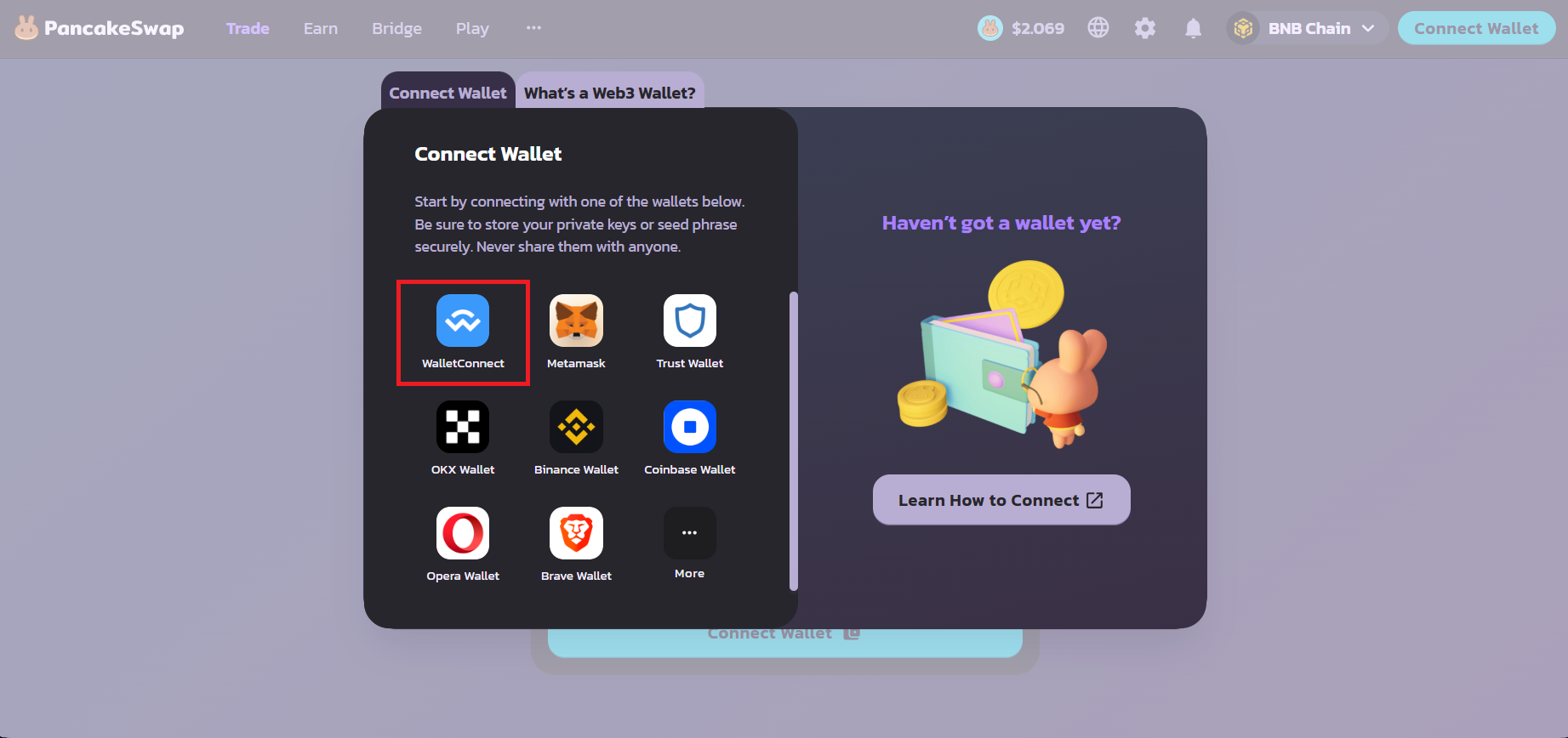
Click on the Connect Wallet and choose "WalletConnect" button on the DApp.
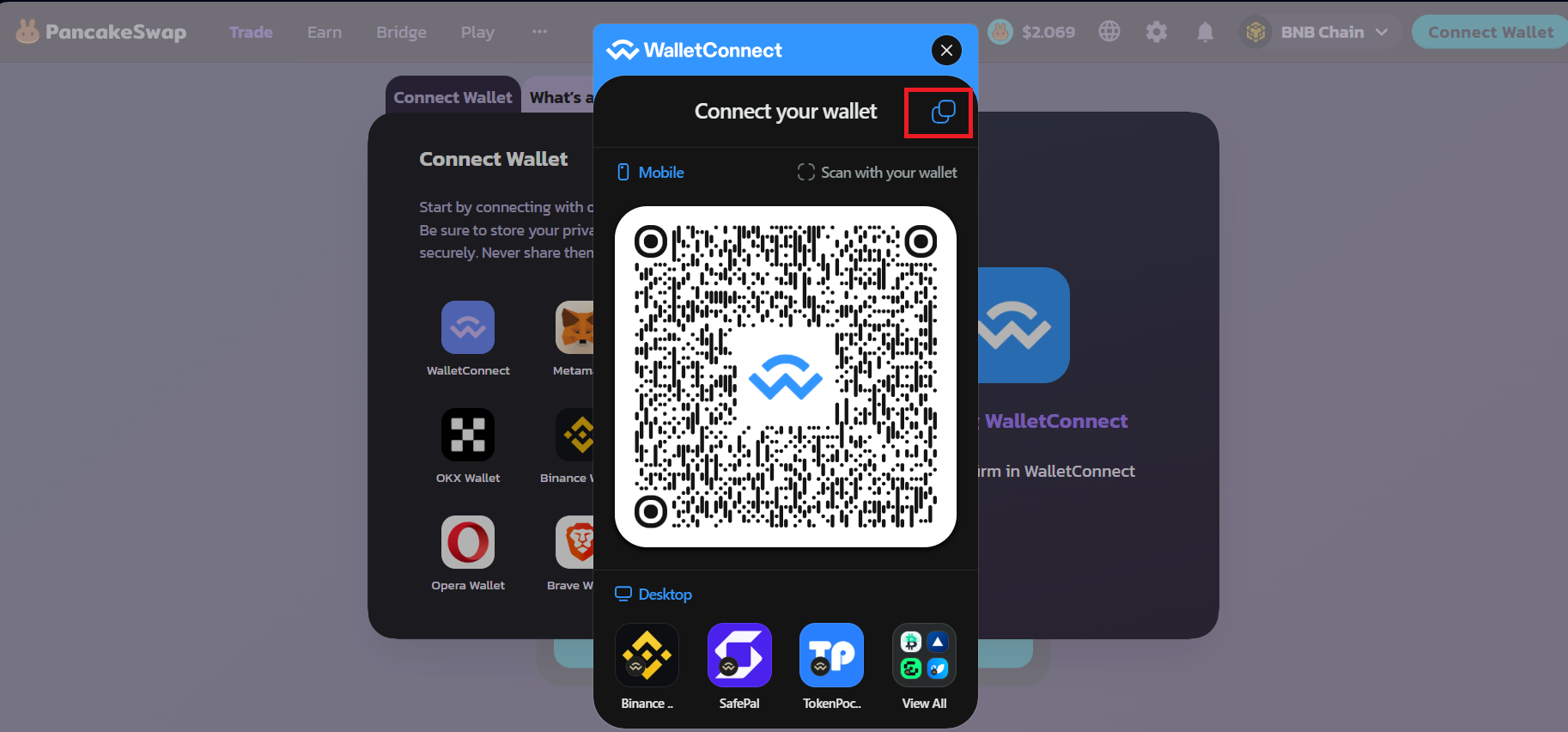
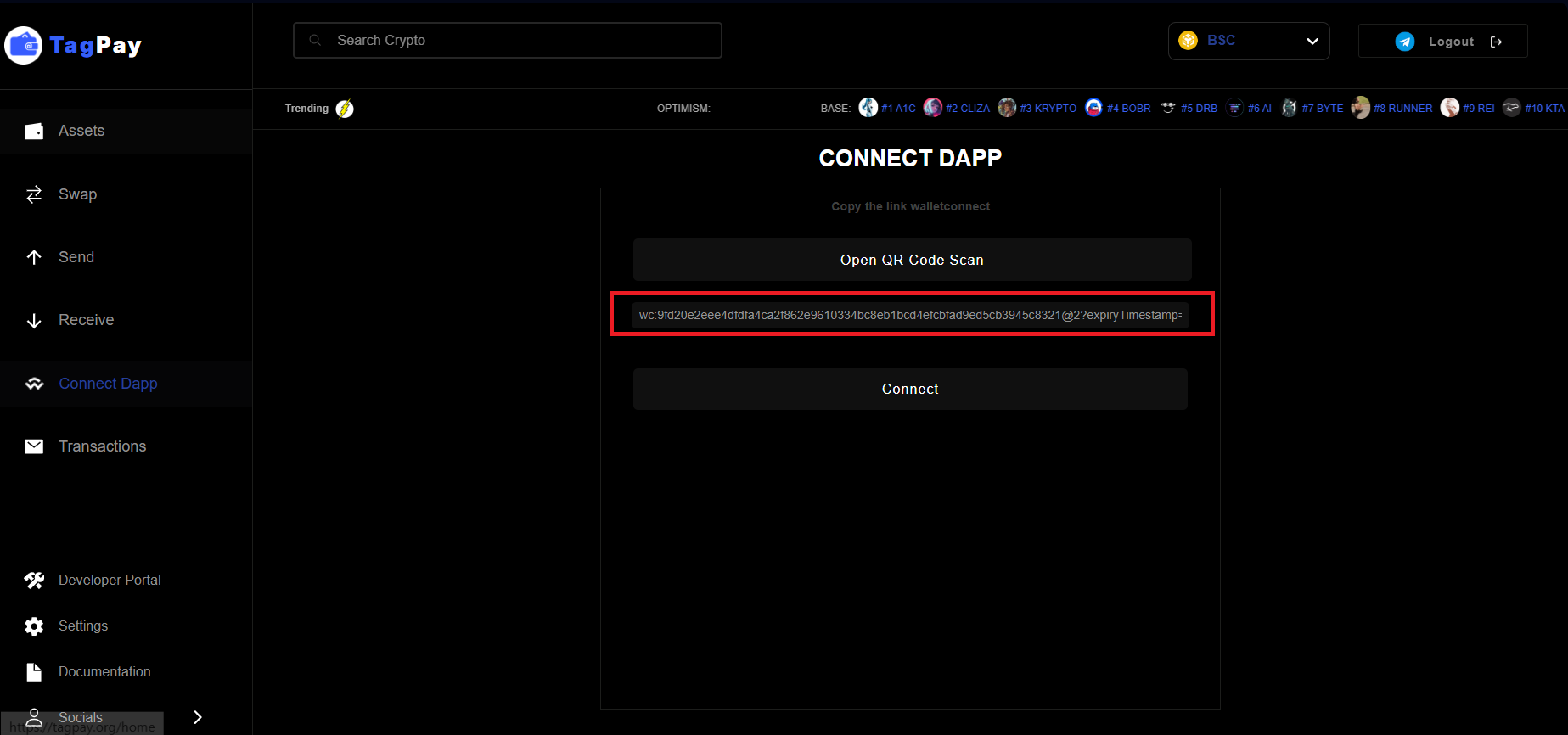
Copy the WalletConnect link provided by the DApp on top for mobile or scan qr code for desktop version
Paste the copied link into the text input field on TagPay, Connect Dapp section, and click Connect
Click approve to be connected with the Dapp.
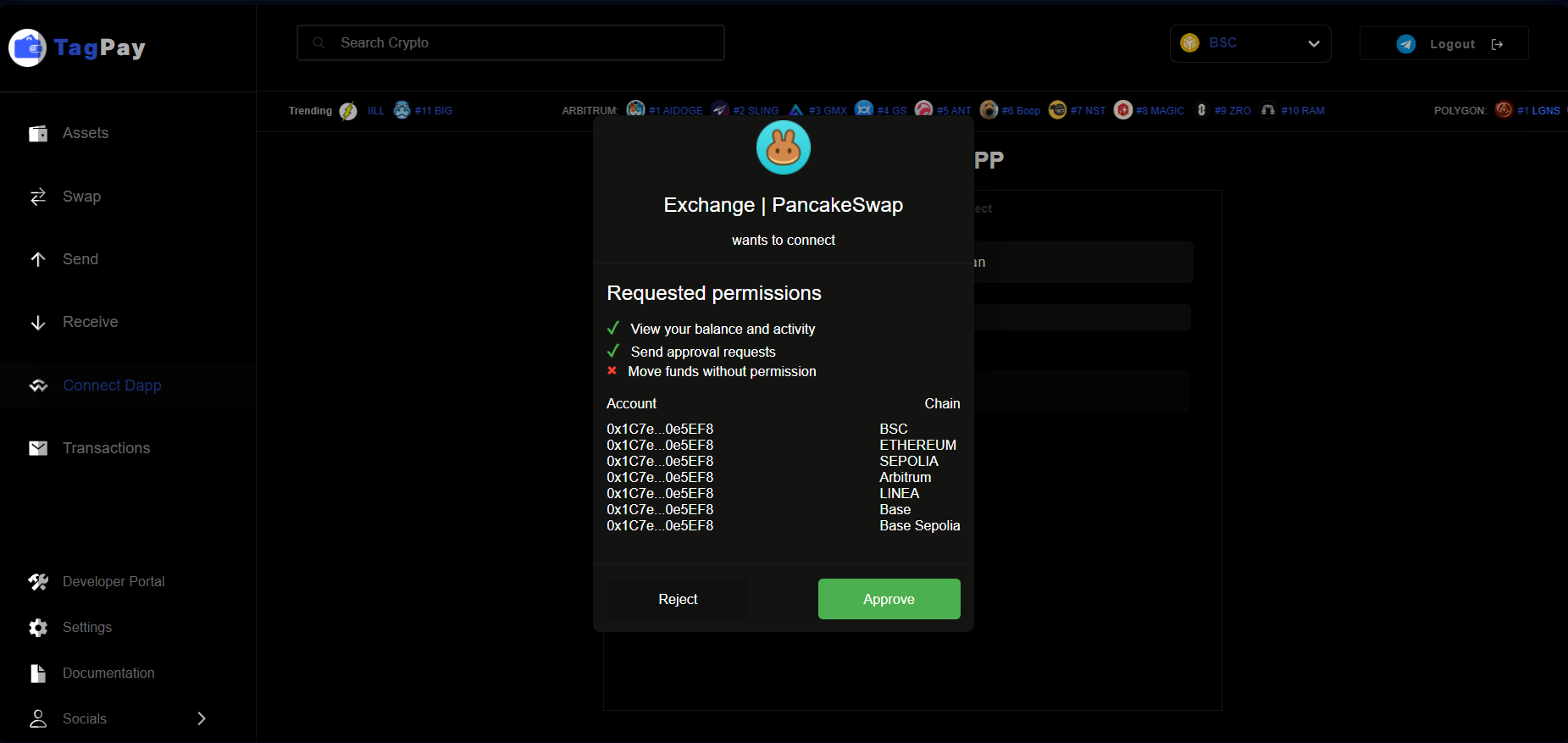
Congrats, you are now connected with the dapp.
#
Operate with Connect Dapp
Connect dapp with wallet connect allows yield farming, staking, buy/sell nfts, swap tokens and more from any dapp (e.g. pancakeswap, uniswap, opensea etc etc).
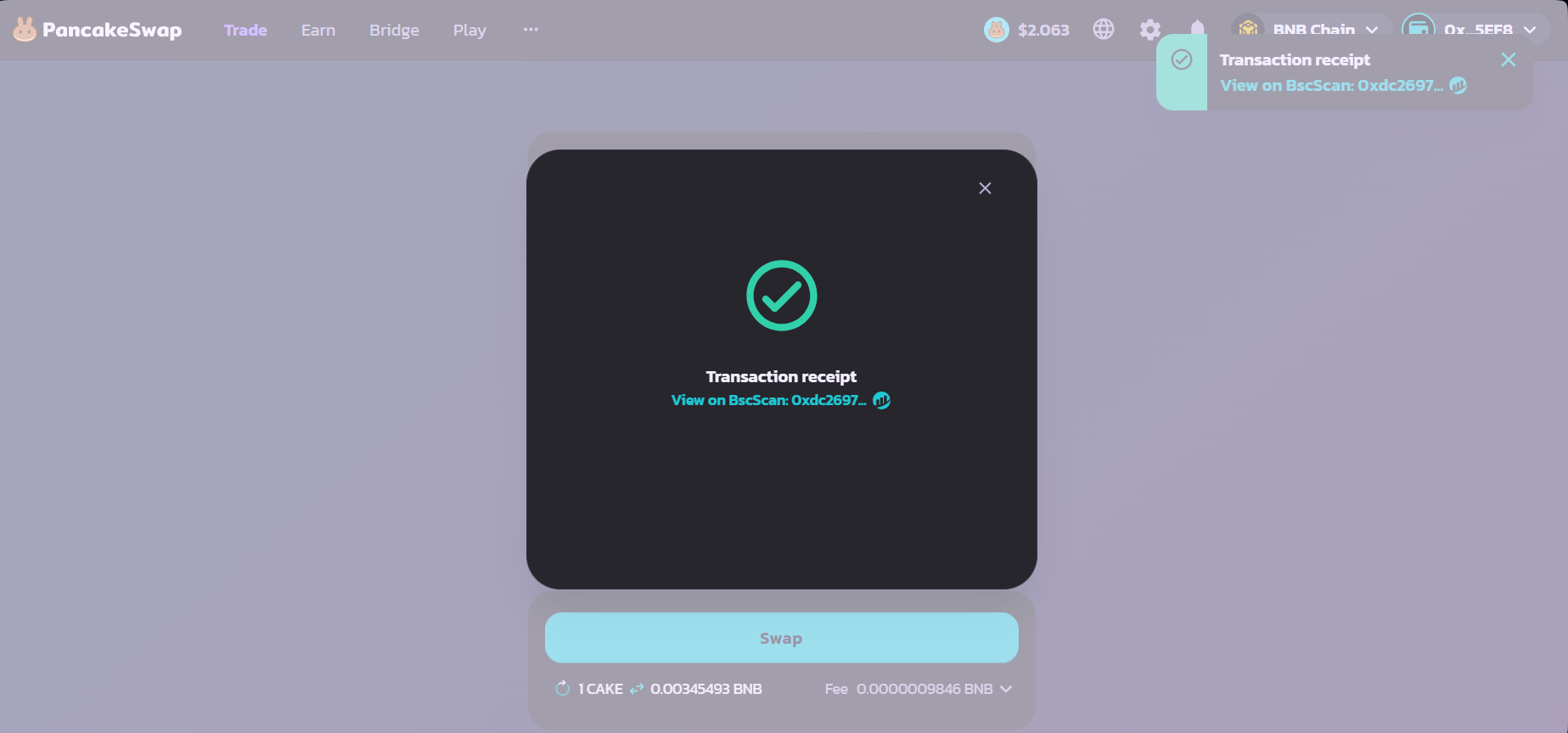
E.g. Swap from Pancakeswap with your TagPay wallet
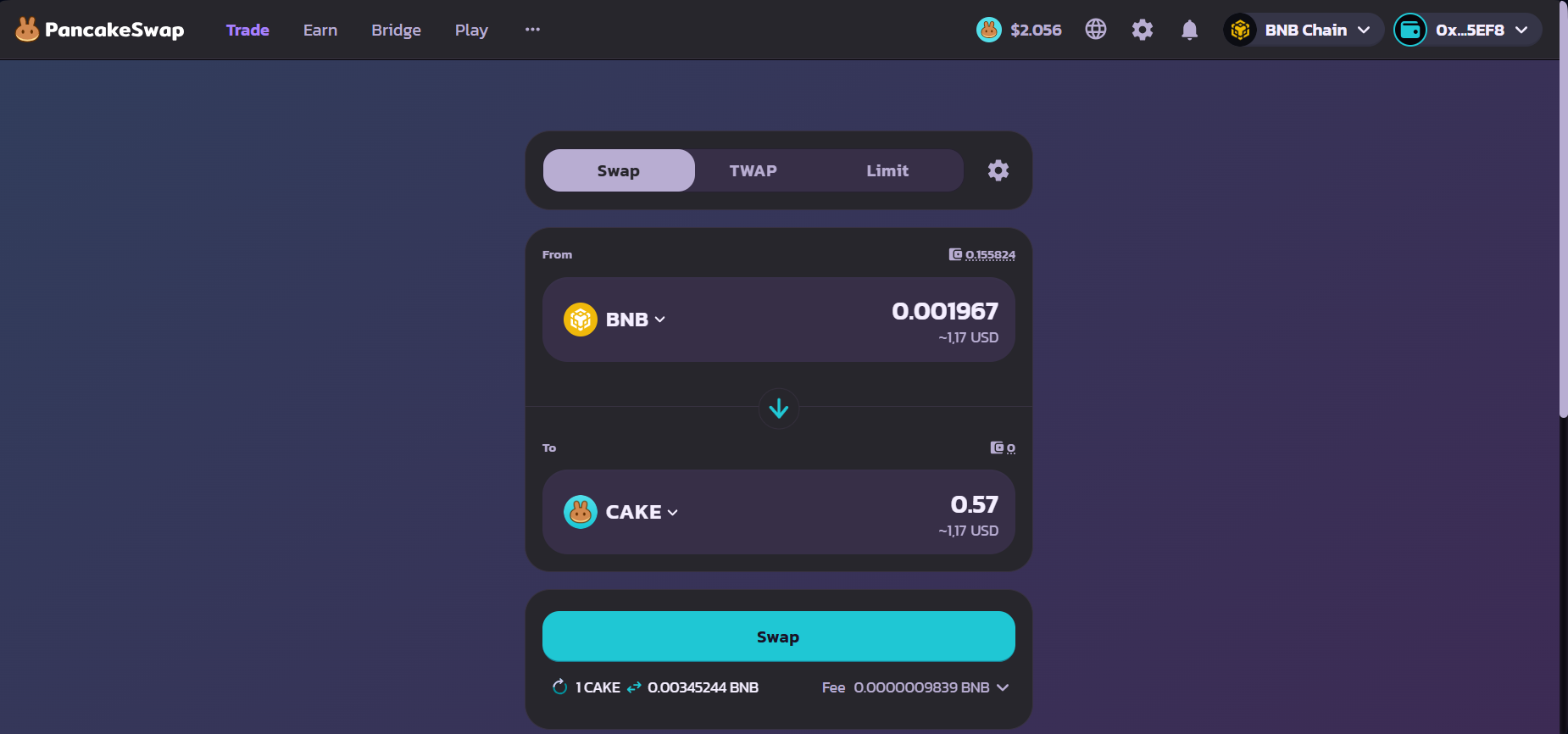
Visit Pancakeswap after you have connected your TagPay wallet with the steps provided above and then click swap
Confirm transaction
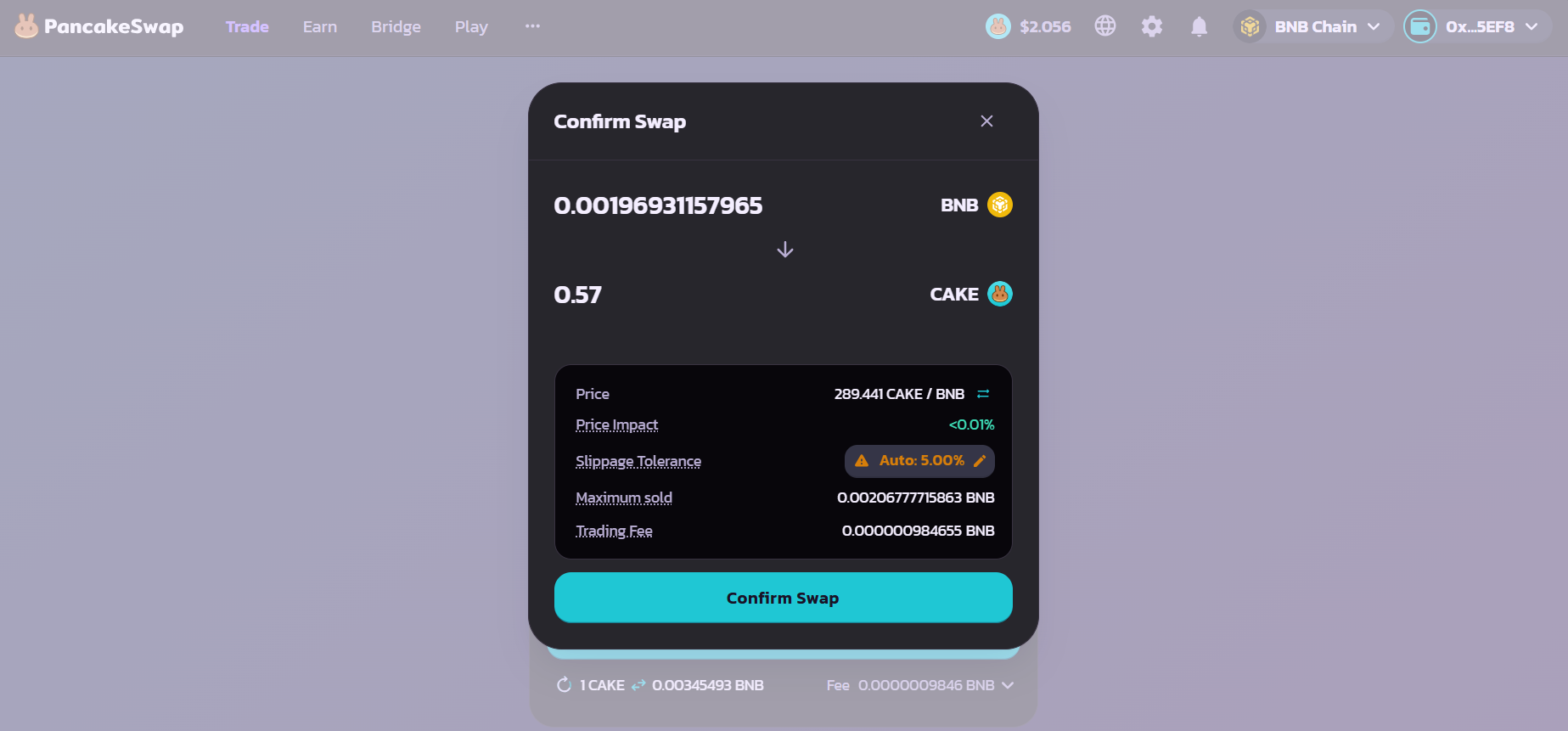
Visit TagPay on Connect Dapp section and approve the transaction
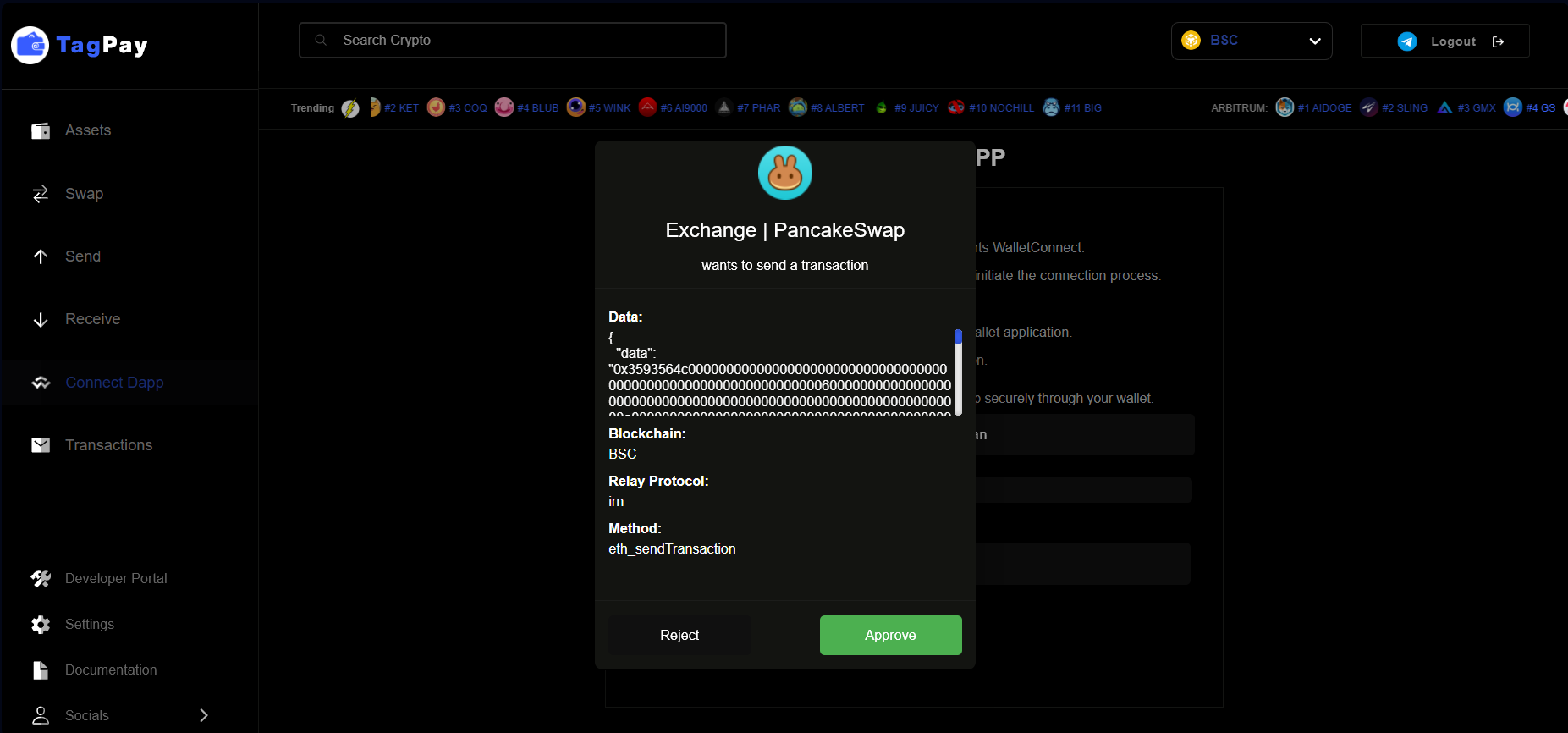
Congrats your transaction has been successful and you can check it on your transaction history